 pointible
For schools and colleges
Explore ways to make existing student and staff identification more useful in an emergency, while keeping the user journey easy to understand.
Discuss your programmeHelp institutions plan a practical emergency-contact route for students and staff using their existing ID cards. Pointible can work with the school or college to define consent, emergency-contact setup, onboarding and the supported response workflow before a pilot or wider rollout.
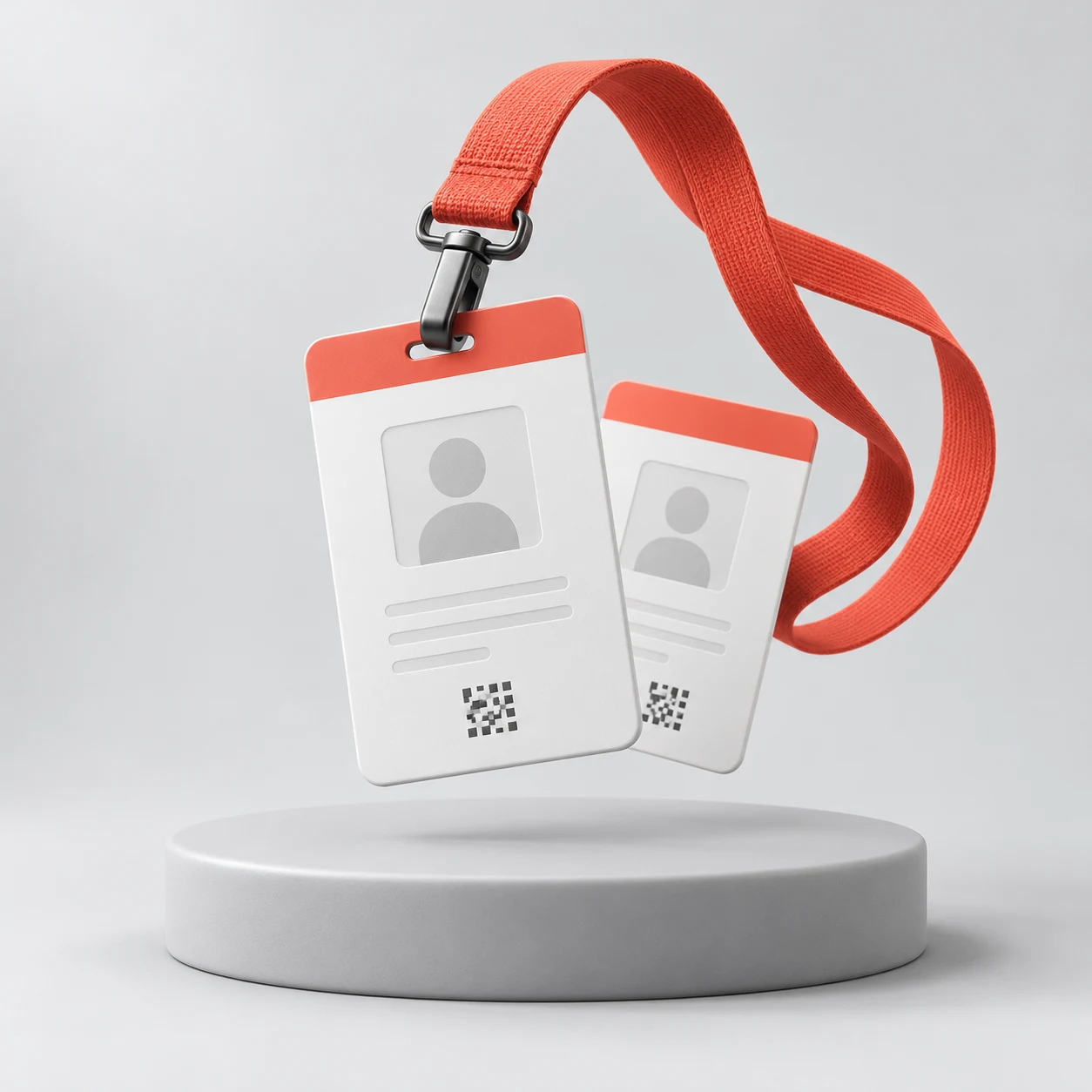 Illustrative product concept
When a student, staff member or other authorised cardholder needs help, a clearly marked QR-enabled ID card can provide a route to a configured emergency-contact workflow. The exact steps depend on the deployment and may include reporter verification, an automated call bridge and a supported follow-up channel.
Explore ways to make existing student and staff identification more useful in an emergency, while keeping the user journey easy to understand.
Discuss your programmeOffer a connected-service option alongside the cards and printing workflows you already provide. Integration and production requirements are assessed with each partner.
Discuss your programmeDiscuss how the service could fit into student safety, campus communication or broader institutional programmes.
Discuss your programmePointible can work with the institution and its existing supply partners to define card design, deployment, user onboarding, consent, emergency-contact setup and administration. The implementation scope is agreed before rollout; compatibility with current printers and systems must be checked.
Discuss an education deploymentStart by identifying the institution, its current ID-card process and the emergency scenario to address. Pointible can then help define a pilot, the required user setup, operating responsibilities and the criteria for a wider rollout.
The institution, its ID-card process and the scenario to address.
User setup, operating responsibilities and an agreed pilot scope.
The criteria for deciding whether and how to deploy more widely.
Let’s explore how connected technology could fit your organisation’s products, distribution channels or service journey.
Discuss a partnership